



Acid Base Titration Simulator watch pH curves and color changes live

Choose an acid and base, pick an indicator, and add base drop by drop to see the pH curve, equivalence point, and beaker color update.

Read the guide

Acid Base Titration Simulator interactive lab

Start Acid Base Titration Simulator here: choose HCl + NaOH or CH3COOH + NaOH, enter volumes and concentrations, click add titrant, and watch the pH curve and endpoint calculation update.

Controls

Choose the reaction, acid volume, acid concentration, base concentration, indicator, and titrant volume per click.

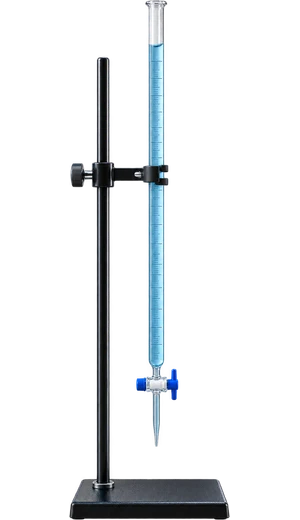
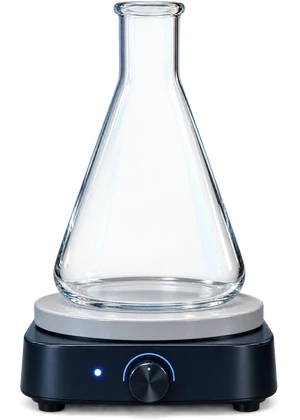
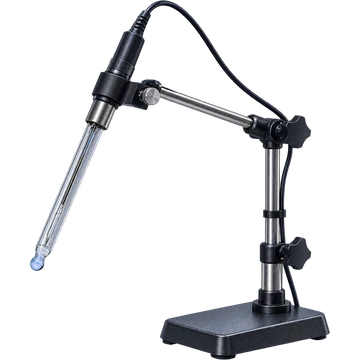
Virtual titration bench

HCl + NaOH

Before equivalence
pH 1.00

Base added

0.00 mL

Equivalence point

25.00 mL

Indicator color

Acidic

Live result

Experimental error

0%

pH curve

Titration curve

0 drops

Unknown concentration calculation

Experiment conclusion

Acid Base Titration Simulator is an educational model for monoprotic acids titrated by strong base. Use real lab safety rules and teacher guidance for physical experiments.

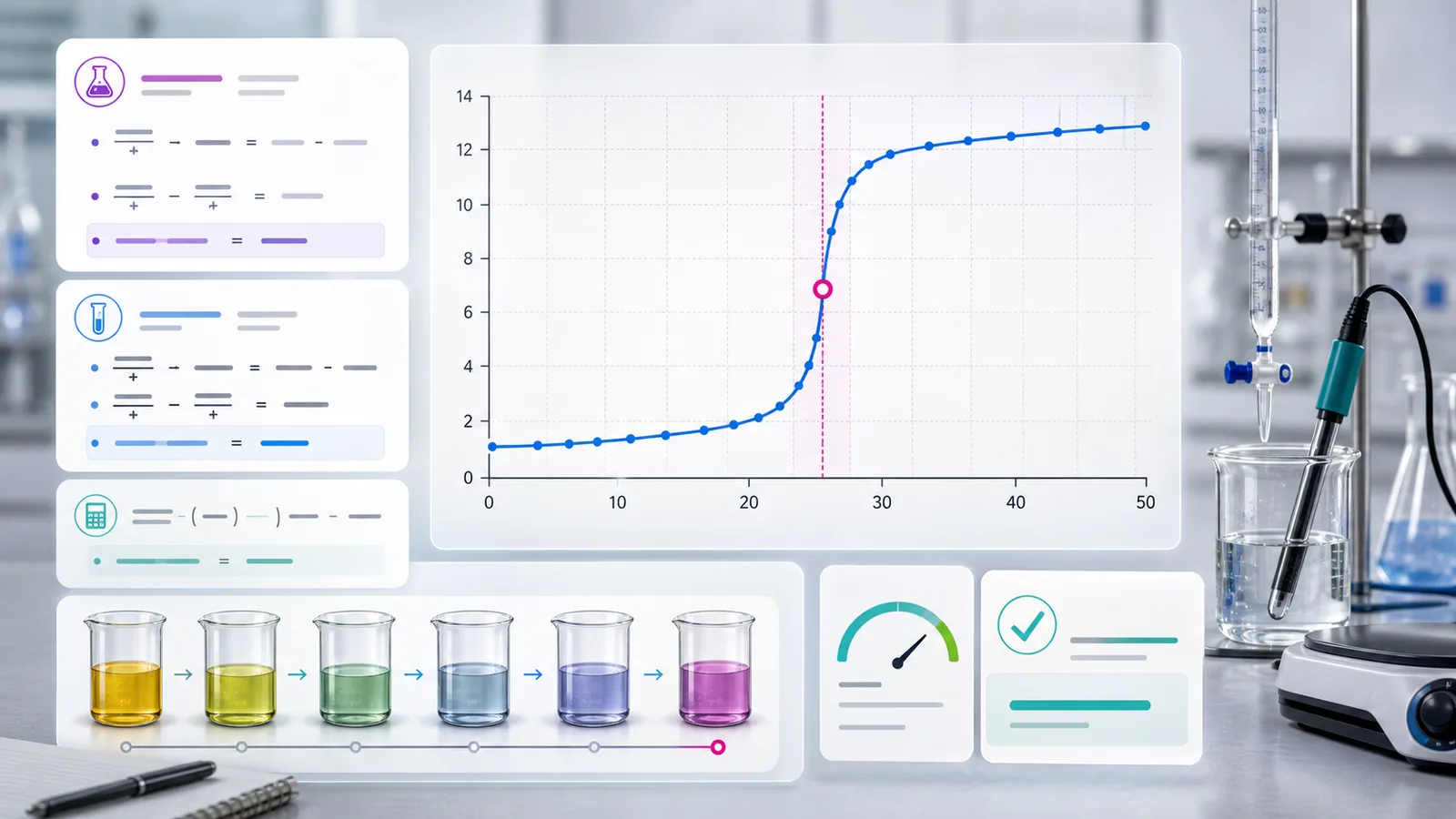
Acid Base Titration Simulator pH curve workflow

Acid Base Titration Simulator connects the wet-lab action, color transition, pH number, and calculation so learners can see why the endpoint matters.

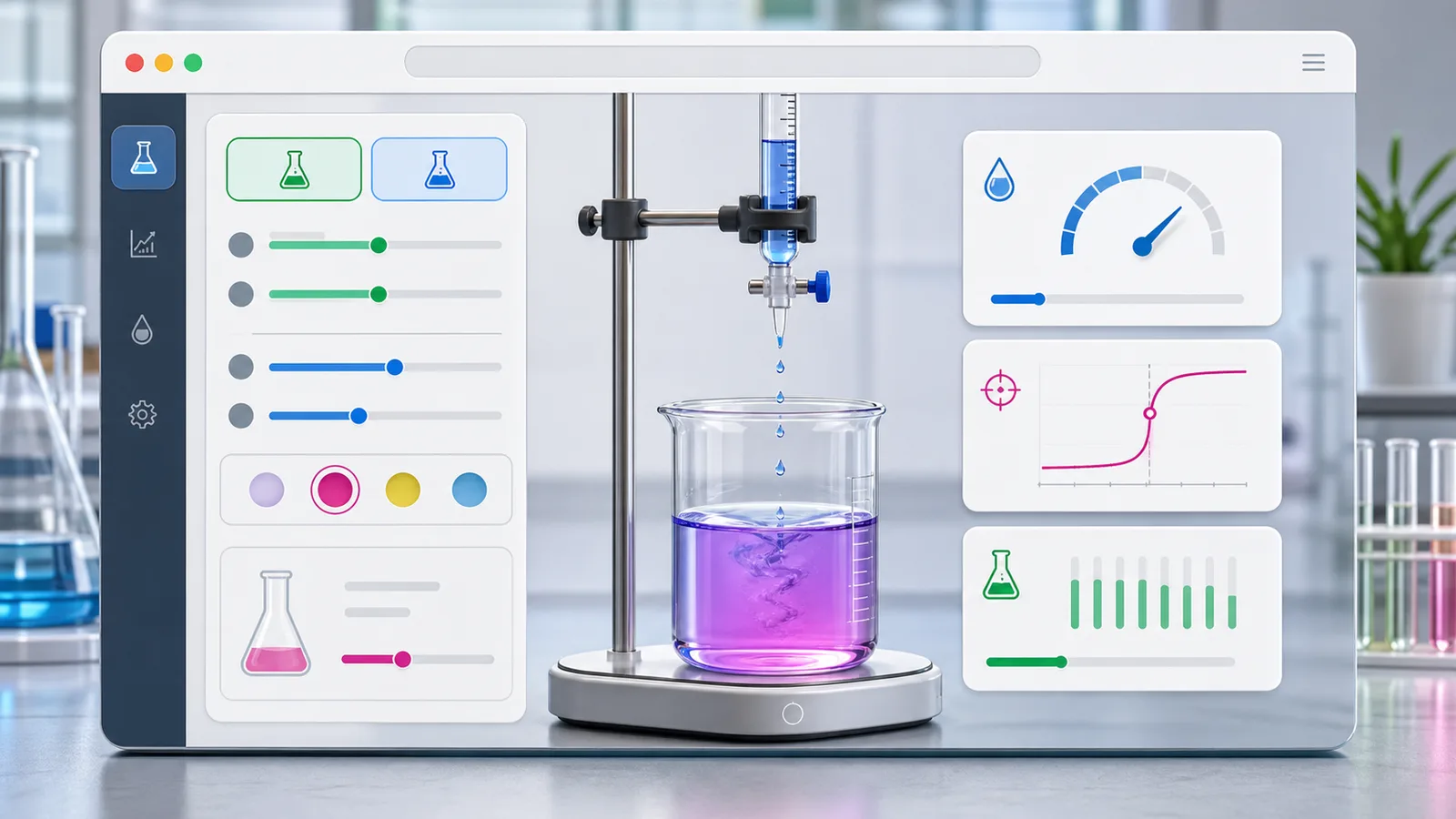
Acid Base Titration Simulator live beaker controls

Choose acid and base types, set acid volume, acid concentration, base concentration, indicator, and addition volume, then click to add titrant one step at a time.

Acid Base Titration Simulator interface with acid and base controls, indicator swatches, beaker color change, pH cards, and titration curve

Acid Base Titration Simulator endpoint calculation

Watch Acid Base Titration Simulator mark the equivalence point, estimate the observed endpoint from the drop size, calculate unknown concentration, and report experimental error.

Acid Base Titration Simulator pH curve with equivalence point, indicator sequence, unknown concentration calculation, and conclusion card

Acid Base Titration Simulator quick guide

Use this Acid Base Titration Simulator guide to connect titrant volume, pH jump, endpoint color, and unknown concentration calculation.

  1. Set up Acid Base Titration Simulator

    Pick the acid and base pair, enter acid volume, acid concentration, and base concentration, then choose an indicator that changes near the endpoint you expect.

    • Start with 25.00 mL and 0.100 M for textbook-style practice
    • Use CH3COOH + NaOH to see a weak-acid curve above pH 7 at equivalence
    Open simulator
  2. Run Acid Base Titration Simulator drop by drop

    Click add titrant and watch the beaker color, pH value, current point, and equivalence marker update together.

    • Use a smaller addition volume near equivalence
    • Compare phenolphthalein and bromothymol blue
  3. Read Acid Base Titration Simulator conclusion

    Use the calculation card to compare the true equivalence volume, observed endpoint, unknown acid concentration, and experimental error.

    For practice reports, explain whether the indicator changed before, at, or after the pH jump.