Enter a Dice Probability Simulator dice pool
Choose how many dice to roll, how many sides each die has, and the modifier added to the total.
- Use 1d20 plus a modifier for common checks
- Use multiple d6 or d8 dice for damage pools and resource rolls
Compare dice pools, target numbers, modifiers, advantage, and rerolls to see your real odds in seconds.
Read the guideStart Dice Probability Simulator here: choose dice count, die sides, modifier, target, comparison, advantage or disadvantage, low rerolls, and exploding dice depth.
Adjust the dice pool, target rule, and optional tabletop rules. The full probability distribution updates instantly.
Dice pool
Optional rules
Copy a result link to share your selected dice scenario; the regular page link stays short and simple.
Success probability
Failure probability
Average result
Lowest to highest
Bars show the probability of each total after modifiers and selected rules. Dim bars miss the target.
Compare how success probability changes when the number of dice changes while sides, modifier, target, and rules stay the same.
Dice Probability Simulator is an educational calculator. Advantage and disadvantage roll the whole selected dice pool twice and keep the higher or lower total; exploding dice use a finite depth so the browser can show a stable distribution.
Dice Probability Simulator turns dice notation and tabletop rules into readable probabilities, averages, ranges, and charts.
Dice Probability Simulator shows which totals are common, which totals clear the target, and how the average moves after modifiers.

Dice Probability Simulator compares normal rolls, advantage, disadvantage, low rerolls, and exploding dice so you can see which rule changes the odds.
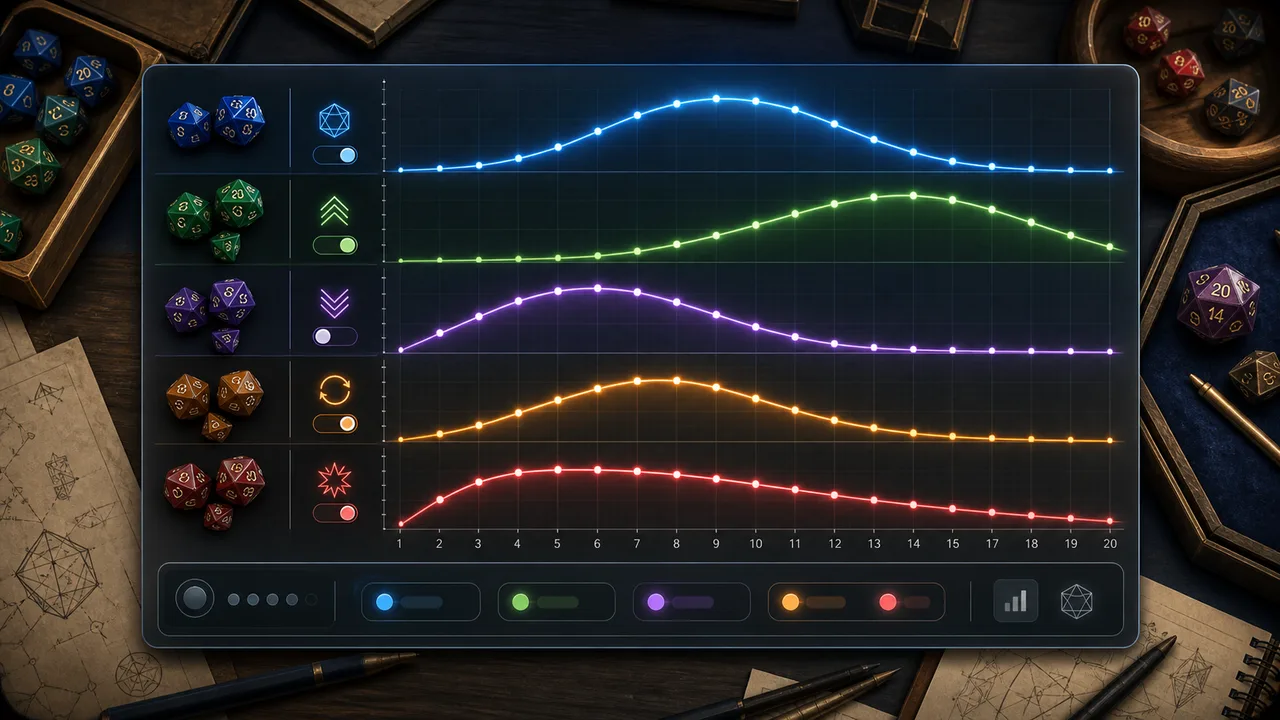
Use this Dice Probability Simulator guide to test target numbers, modifiers, dice pools, and special rolling rules before a game decision.
Choose how many dice to roll, how many sides each die has, and the modifier added to the total.
Pick the target number and whether success means at least, greater than, equal to, at most, or less than that target.
Turn on advantage, disadvantage, one-time low rerolls, or exploding dice to see how the success chance and distribution change.
Advantage changes the shape most strongly near the middle of a target range, while exploding dice mostly add a long high-result tail.