Earthquake Building Simulator choose a building
Start with a low-rise, tower, or soft-soil preset so Earthquake Building Simulator has a realistic baseline.
- Use low-rise for basic material comparison
- Use tall tower to see height effects
Change height, floors, structure type, and quake magnitude to watch the building sway and see how the risk score shifts.
Read the guideStart Earthquake Building Simulator here. Enter the building profile and ground condition, then watch the animated structure sway while the risk score and material comparison update.
Change building height, floors, material, structure type, earthquake magnitude, and foundation condition to see what drives the risk score.
Share the page, or copy a result link that carries your current building and earthquake settings.
Live earthquake animation




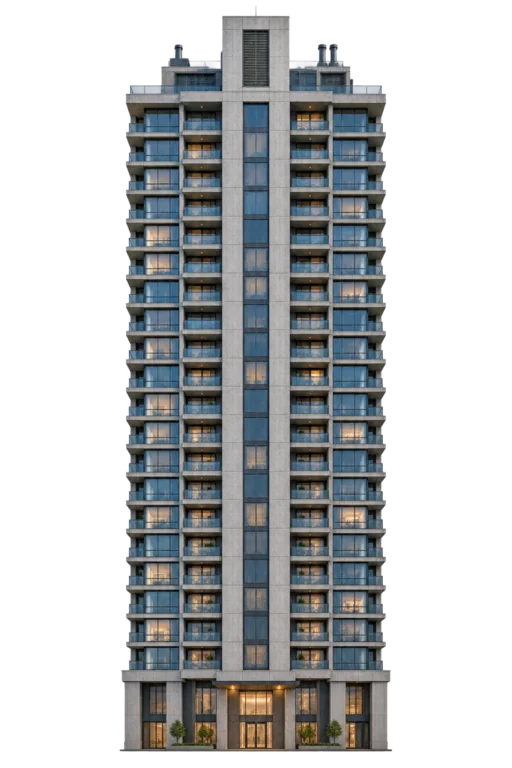
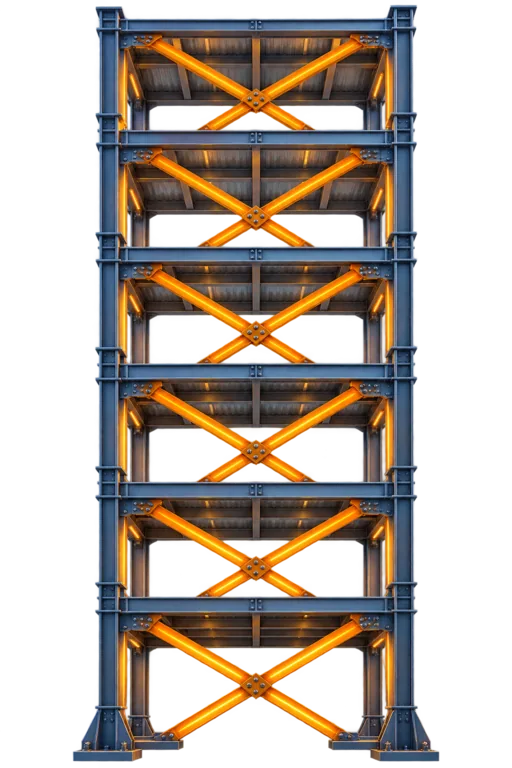

The animation exaggerates sway so changes are visible. It shows relative educational risk, not measured structural drift.
Risk score
-- / 100
Estimated sway
-- cm
Story height
-- m
Damping index
--
Earthquake Building Simulator is an educational approximation, not a structural design, code check, or safety certification. Ask a licensed engineer for real buildings.
Earthquake Building Simulator turns structural choices and shaking intensity into an animated view, risk score, and material comparison.
Set height, floors, material, structure type, magnitude, and foundation condition, then let Earthquake Building Simulator update the animation and score.
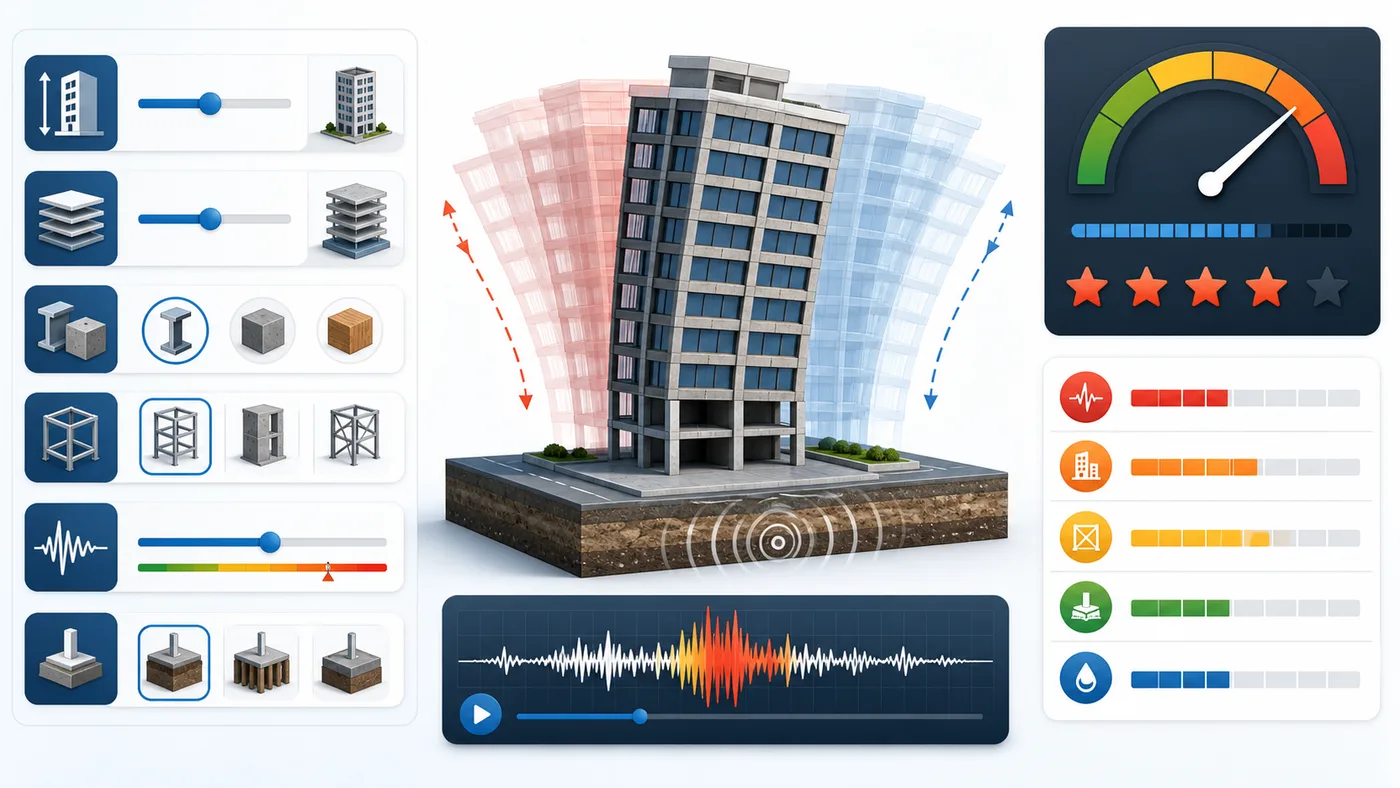
Compare steel structures, concrete structures, and wood structures in Earthquake Building Simulator at the same magnitude and foundation condition.
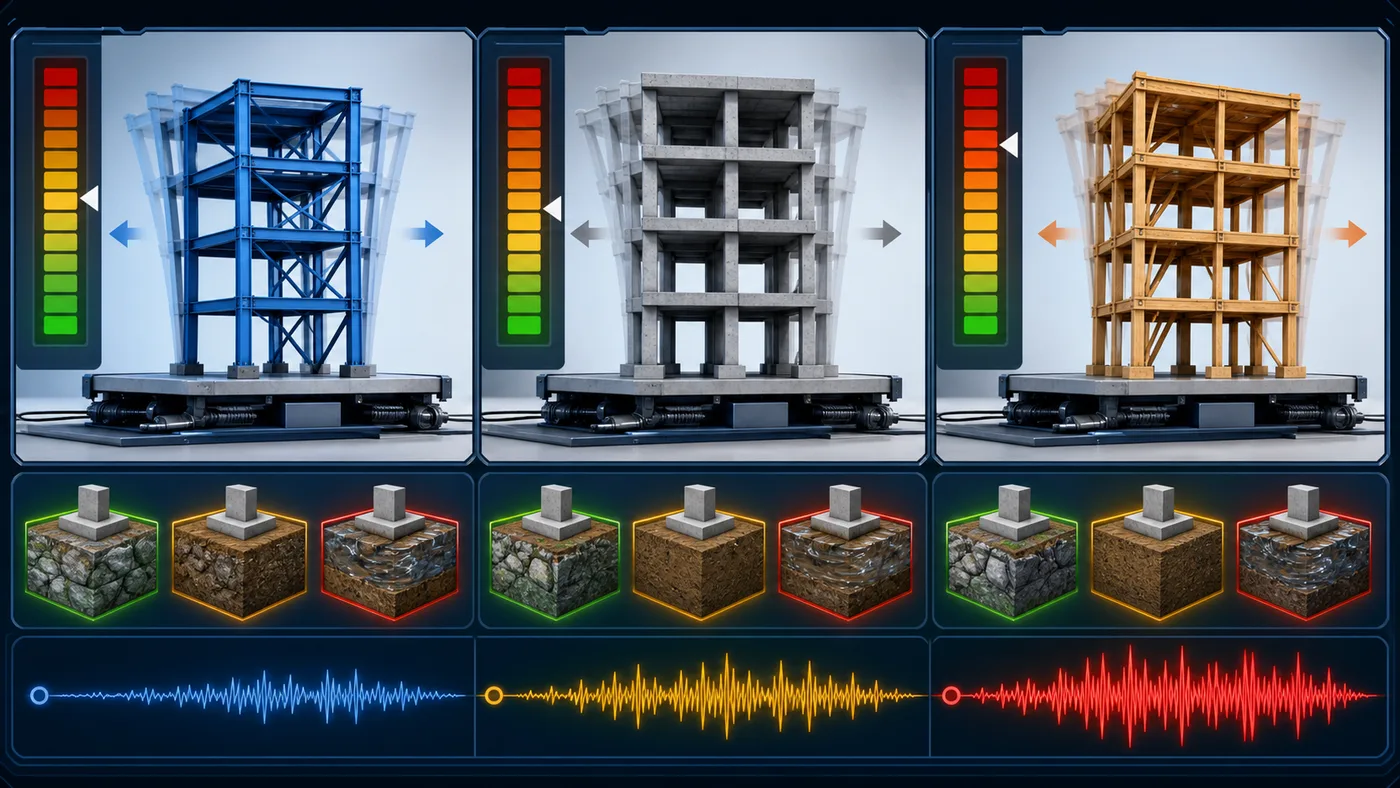
Use this Earthquake Building Simulator guide to build a clean comparison and explain why risk changes.
Start with a low-rise, tower, or soft-soil preset so Earthquake Building Simulator has a realistic baseline.
Move magnitude, foundation, material, or structure type one at a time so the Earthquake Building Simulator result has a clear cause.
Copy a result link when you want to reproduce the same Earthquake Building Simulator settings for a lesson, post, or comparison.