Set up Gas Laws Simulator
Pick a mode and start with familiar values such as 300 K, 1 atm, and about 10 L.
- Use Boyle’s law to keep temperature and moles fixed
- Use ideal mode when you want PV = nRT to solve a selected variable
Change temperature, pressure, volume, and gas amount in a piston chamber and watch particle speed and P-V, V-T, or P-T graphs update.
Read the guideStart Gas Laws Simulator here: choose a law mode, hold the right variables constant, move the piston or heat the gas, and compare particle behavior with the relationship graph.
Choose a gas law mode, set variables, record states, and generate a relationship sweep.
Share the page, or copy a result link that restores this gas setup.
Virtual gas lab



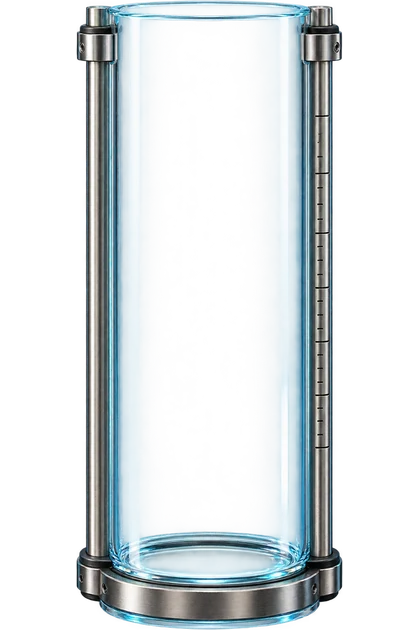
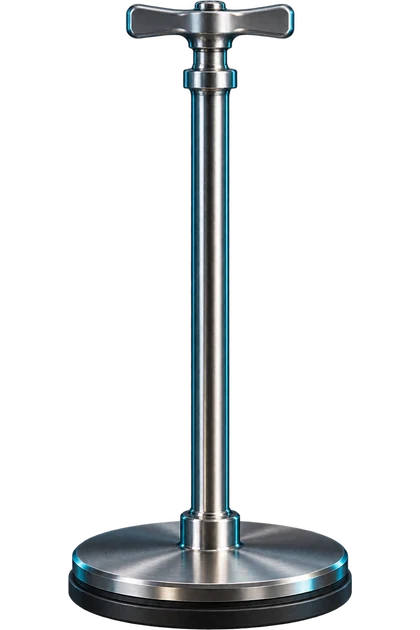
Pressure
1.00 atm
Volume
10.0 L
Temperature
300 K
Amount of gas
0.41 mol
Relationship graph
| P | V | T |
|---|
Experiment conclusion
Gas Laws Simulator uses an ideal gas model for learning. Real gases can deviate from ideal behavior at very high pressure, very low temperature, or near phase changes.
Gas Laws Simulator links macroscopic variables to a particle model so learners see why pressure, volume, temperature, and moles change together.
Set gas law mode, temperature, pressure, volume, and moles while the piston height and particle animation respond instantly.
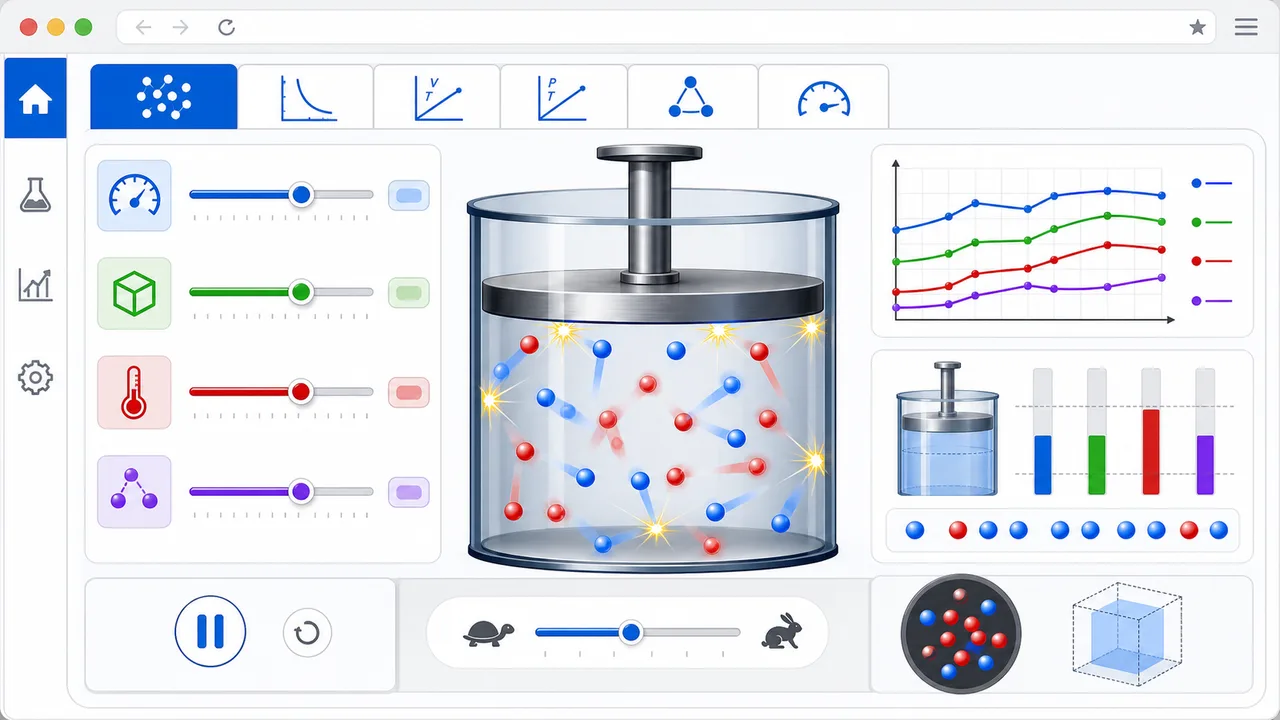
Switch between P-V, V-T, and P-T graphs, then record data or generate a sweep to compare the curve or line for each law.
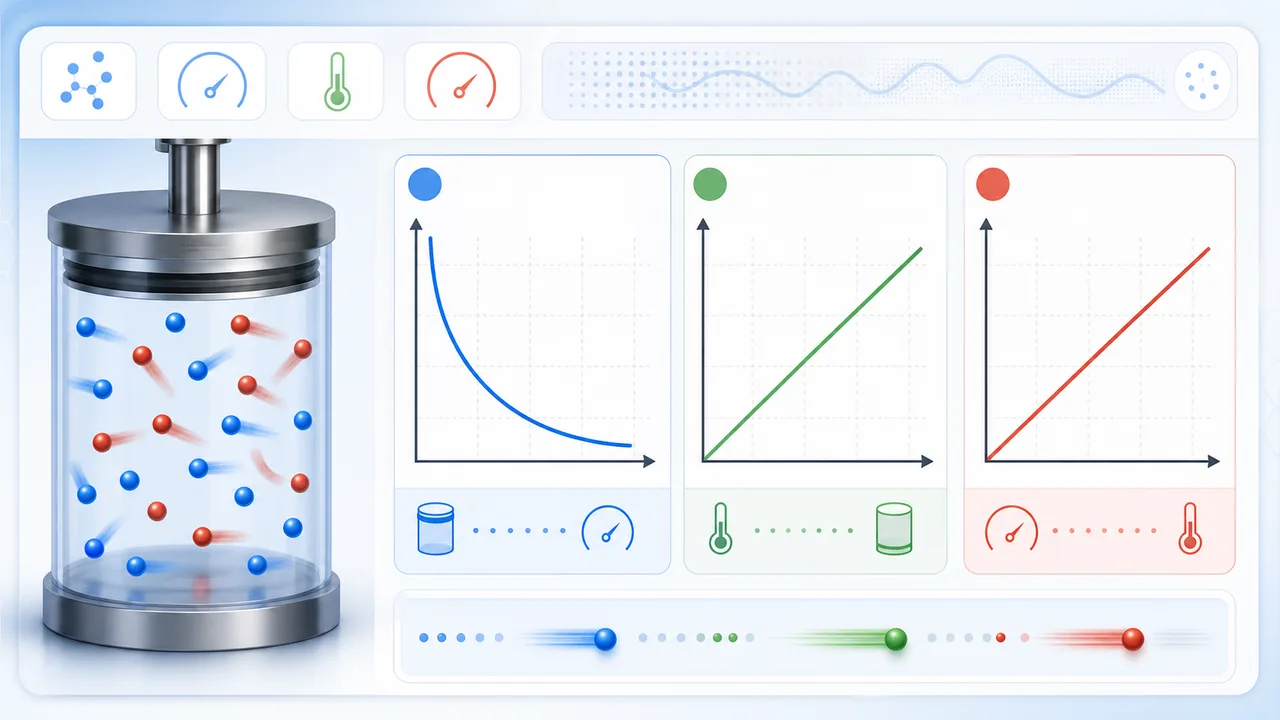
Use this Gas Laws Simulator guide to connect the ideal gas equation with Boyle’s law, Charles’s law, and Gay-Lussac’s law.
Pick a mode and start with familiar values such as 300 K, 1 atm, and about 10 L.
Raise temperature to increase particle speed, compress volume to increase collisions, or add moles to pack more particles into the chamber.
Record states or generate a sweep, then compare inverse P-V behavior with direct V-T or P-T behavior.
Use Kelvin temperature for gas law relationships, not Celsius.