Gravity Simulator Open the tool
Scan the default setup and make one small change before running the first result.
- Keep the first run simple
- Use defaults as a baseline
Build orbital scenes, tune the controls, watch the bodies interact, and share your setup, all in the browser.
Read the guideStart Gravity Simulator here. Adjust the controls, see results instantly, and share them, all on one page.
Click and drag on the canvas to set position and launch velocity.
Gravity Simulator: Use the tool first, then continue to the guide and FAQ.
Gravity Simulator focuses on N-body physics sandbox, clear controls, instant feedback, and a result that is easy to understand.
Use Gravity Simulator with practical controls and instant visual feedback. The page keeps the simulator, guide, and sharing path together.
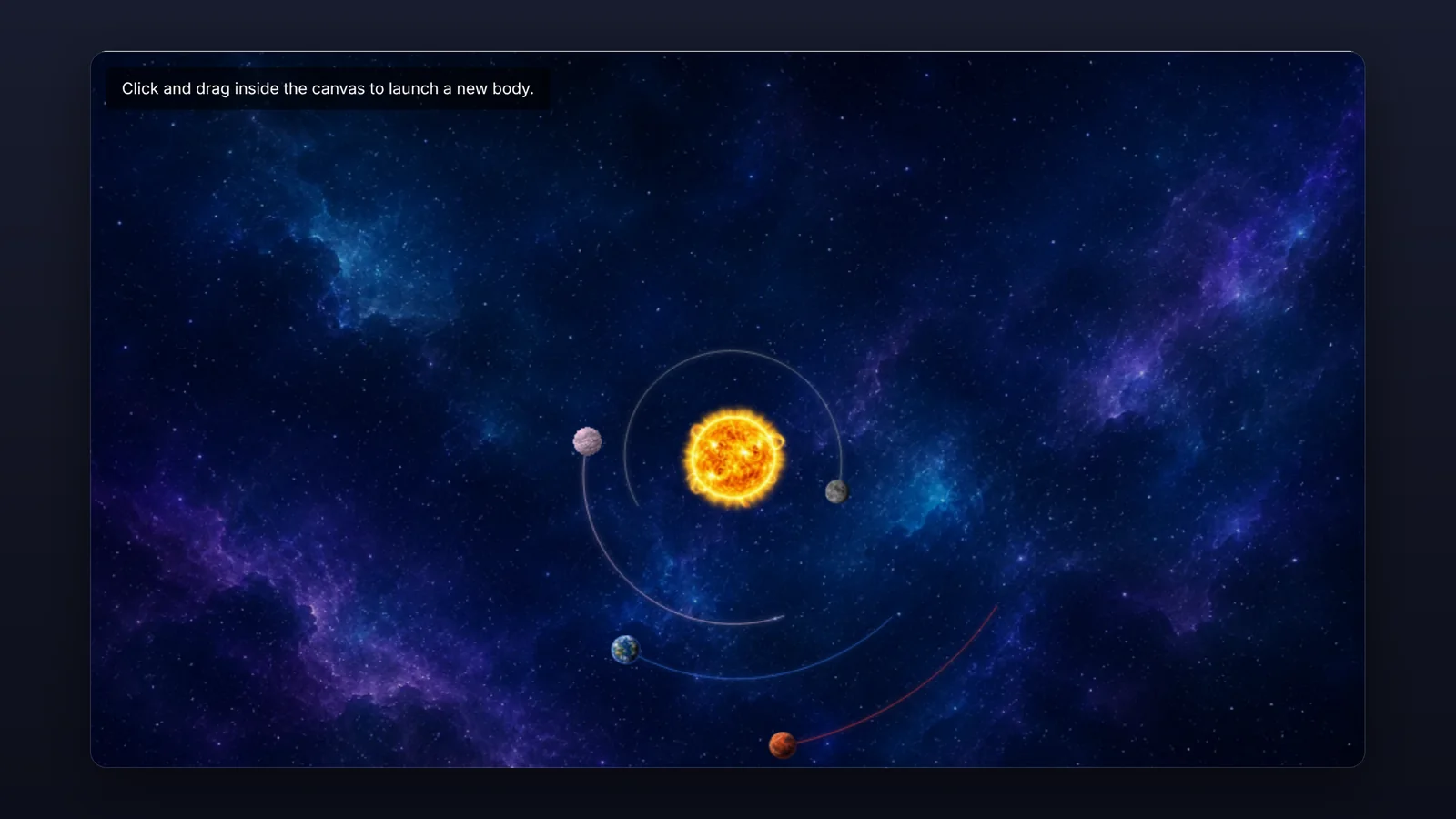
Adjust the setup, read the result, then share the outcome with friends or save it for later.
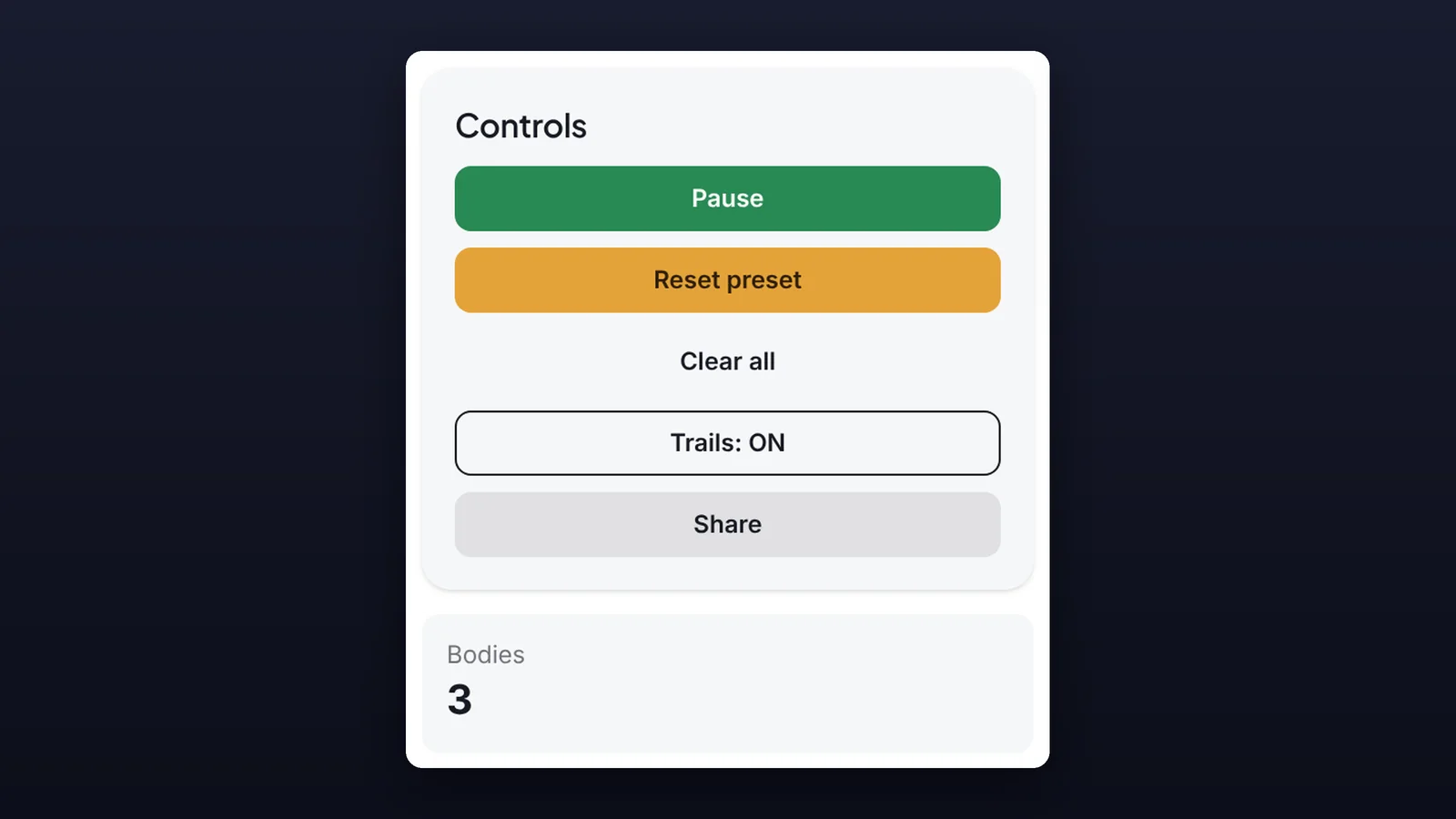
Use this Gravity Simulator guide to get a clean first result and understand what to adjust next.
Scan the default setup and make one small change before running the first result.
Adjust key controls slowly so the result stays readable and the next change is easy to compare.
When the output looks right, use the share flow or a screenshot to keep it easy to revisit.