Stopping Distance Simulator choose a scene
Start with school gate, highway, or rainy road so Stopping Distance Simulator has a realistic baseline.
- Use school gate for low-speed comparison
- Use highway to see speed growth
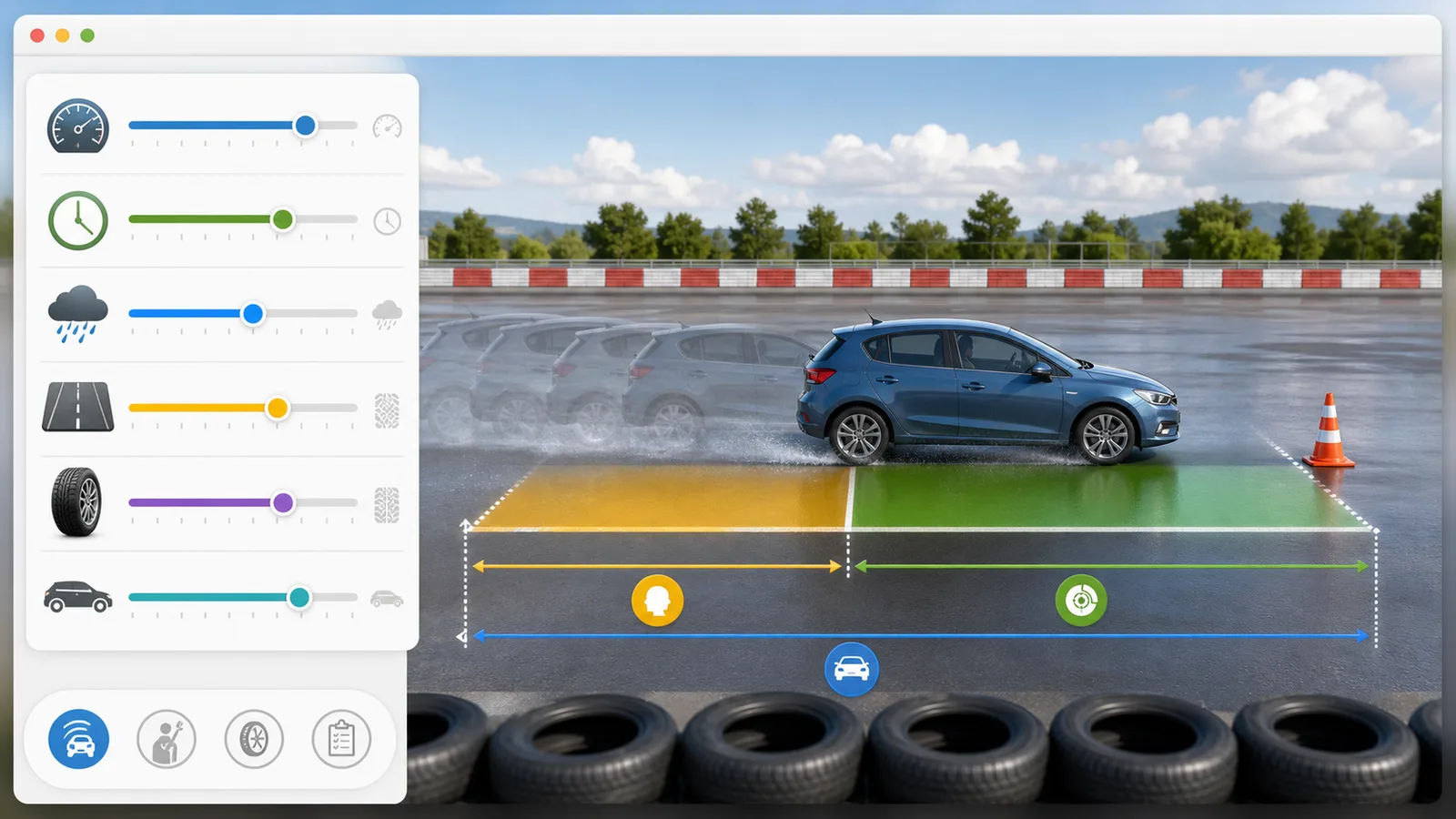
Compare how speed, reaction time, weather, road surface, and tires change the distance you need to notice a hazard and stop safely.
Read the guideStart Stopping Distance Simulator here. Enter the driving conditions, then watch the road visualization split reaction distance, braking distance, and total stopping distance.
Adjust one condition at a time to see how speed, reaction time, weather, road surface, tires, and vehicle type change the stopping distance.
Share the page, or copy a result link that carries the current driving conditions.
Live road view



Blue shows reaction distance, yellow shows braking distance, and green shows remaining buffer after the vehicle stops.
Reaction distance
-- m
Braking distance
-- m
Total stopping distance
-- m
Total stop time
-- s
Stopping Distance Simulator is an educational estimate based on speed, reaction time, and a friction-style braking model. Real vehicles and roads can vary.
Stopping Distance Simulator turns speed and road conditions into a visual distance bar so the effect of faster driving is easy to see.
Set speed, driver reaction time, weather, road surface, tire condition, and vehicle type, then let Stopping Distance Simulator calculate each part of the stop.
Try school gate, highway, and rainy road presets in Stopping Distance Simulator to see how higher speed and lower grip stretch total stopping distance.
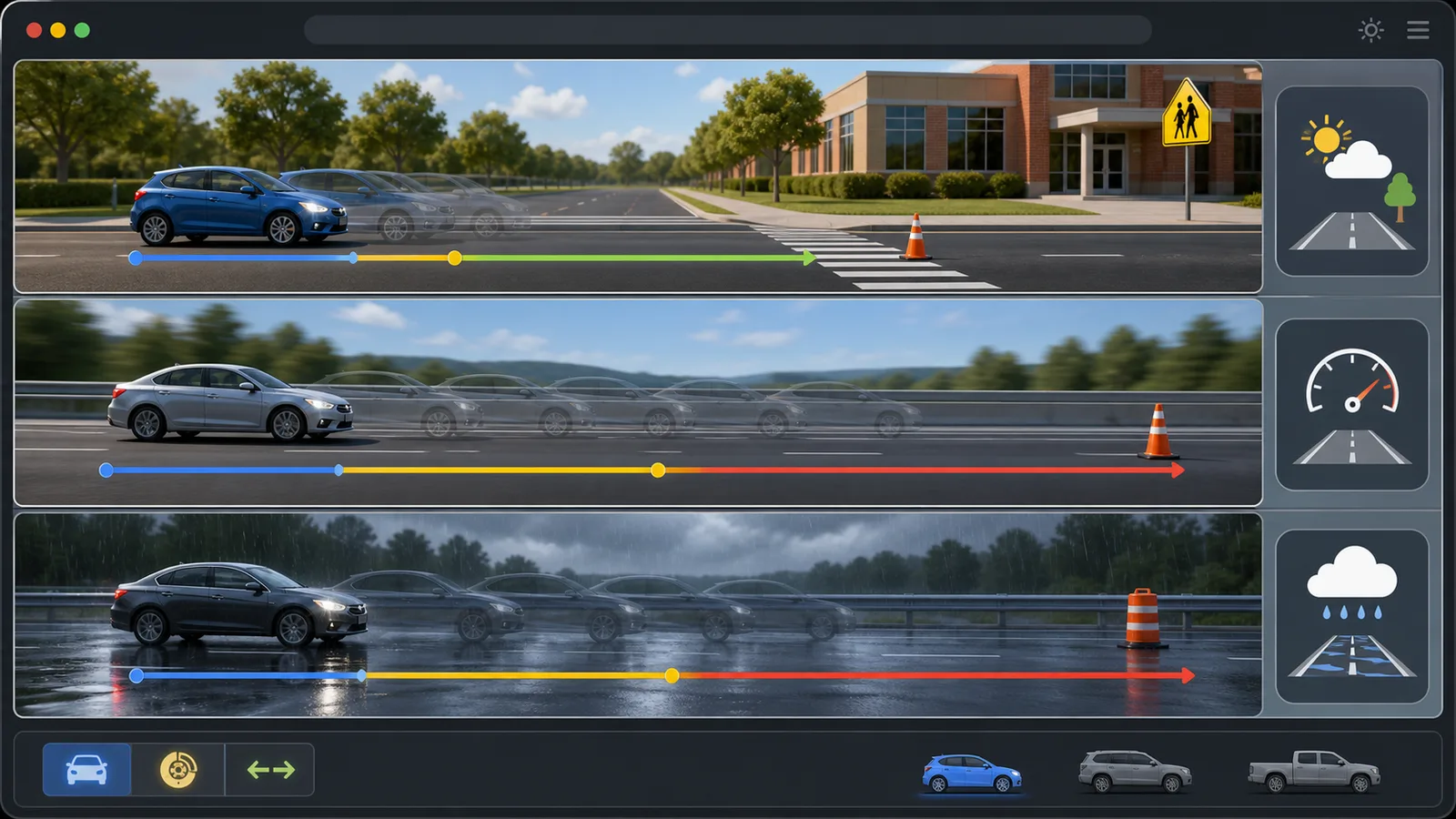
Use this Stopping Distance Simulator guide to build a clear comparison and understand the distance split.
Start with school gate, highway, or rainy road so Stopping Distance Simulator has a realistic baseline.
Move speed, reaction time, weather, road surface, tire condition, or vehicle type one at a time so the result has a clear cause.
Copy a result link when you want to reproduce the same Stopping Distance Simulator settings for a lesson, post, or comparison.