









Set up Calorimetry Simulator
Pick a water-mixing, metal-in-water, cup-included, or unknown-specific-heat experiment before entering masses and initial temperatures.
- Use 4.184 J/g°C for liquid water
- Keep units consistent: grams, °C, and J/g°C
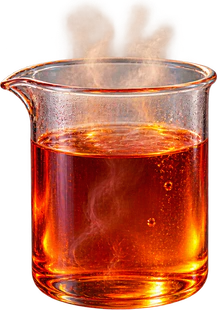
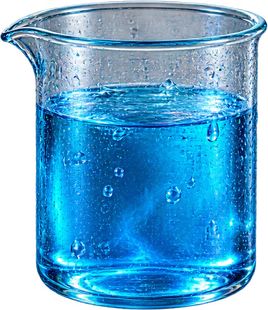
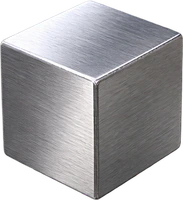
Mix hot water, cold water, or a metal block, enter mass and specific heat, and watch the temperature graph and heat balance update.
Read the guideStart Calorimetry Simulator here: choose the experiment, adjust masses, temperatures, and specific heat values, then compare final temperature, absorbed heat, released heat, and unknown specific heat.
Choose the setup, then enter mass in grams, temperature in °C, and specific heat in J/g°C.
Share the page, or copy a result link that restores this calorimetry setup.
Virtual calorimeter
Temperature over time
Experiment conclusion
Heat absorbed
48.5 J
Heat released
48.5 J
Unknown specific heat
-- J/g°C
Calorimetry Simulator is an ideal educational model with no phase change, evaporation, or heat loss to the room unless you include the calorimeter cup.
Calorimetry Simulator connects the physical setup, temperature change, q = m c ΔT terms, and final equilibrium result on one screen.
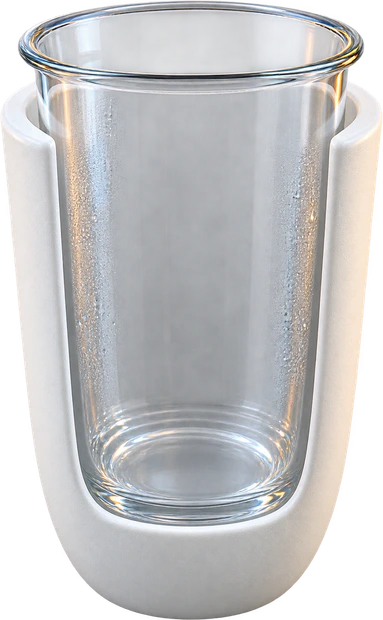
Choose hot water, cold water, metal block, or calorimeter cup experiments, then edit every mass, initial temperature, and specific heat value.
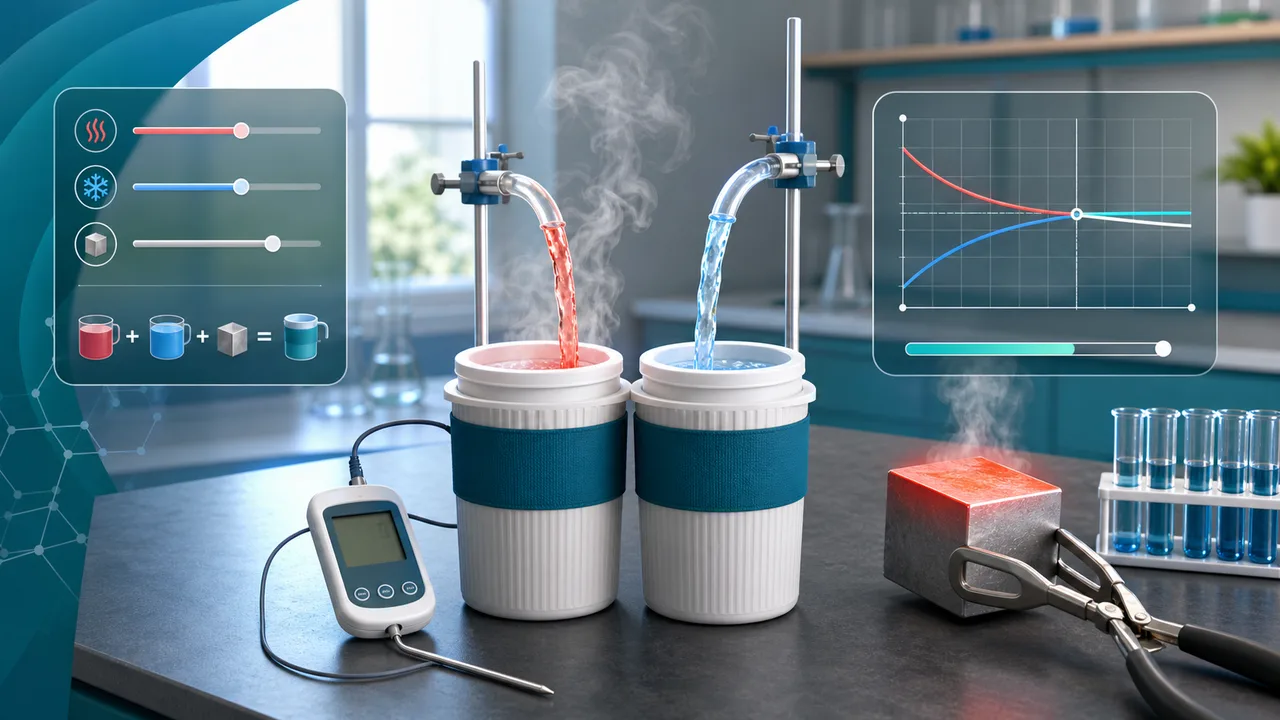
Use an observed final temperature to solve unknown specific heat, or compare how different metals and water amounts shift the final temperature.
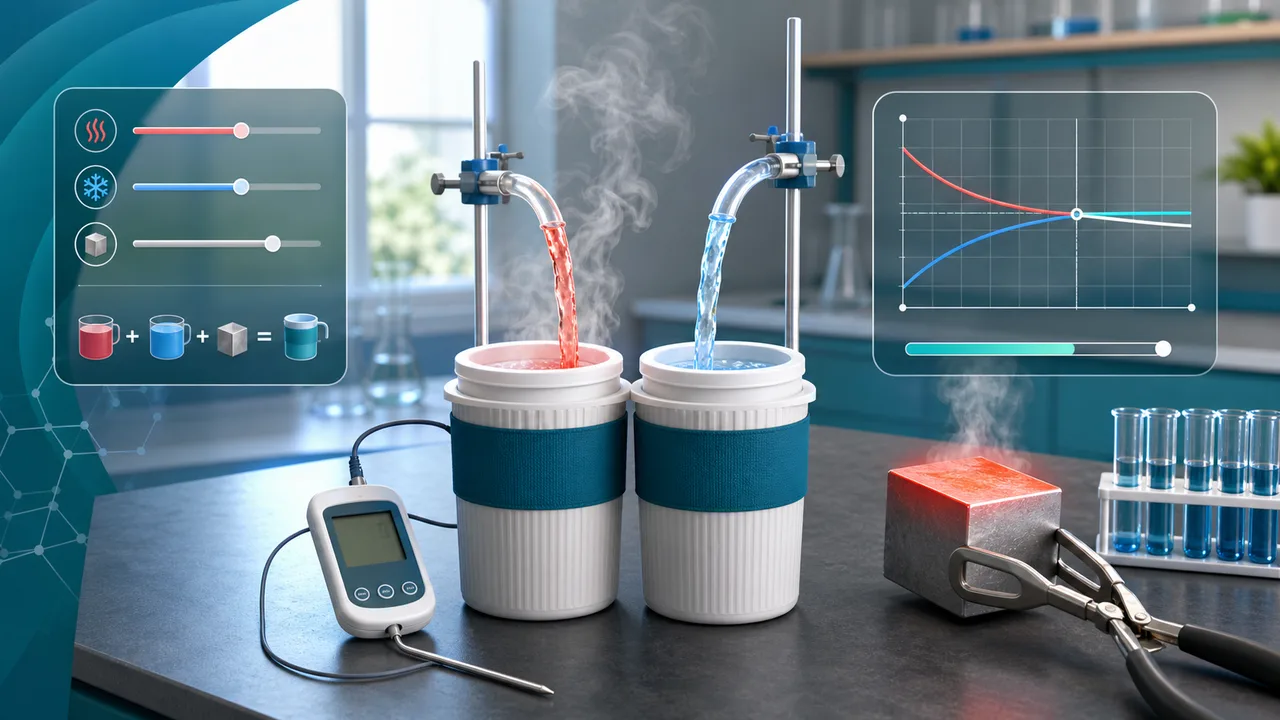
Use this Calorimetry Simulator guide to connect lab inputs with final temperature, heat absorbed, heat released, and unknown specific heat.
Pick a water-mixing, metal-in-water, cup-included, or unknown-specific-heat experiment before entering masses and initial temperatures.
Change metal type, water amount, or initial temperature and watch the thermometer, temperature graph, and heat terms update together.
Compare heat absorbed and heat released, then use the unknown-specific-heat mode when an experiment gives an observed final temperature.
If the unknown equation gives an impossible value, check whether the observed final temperature lies between the starting temperatures.