Flight Fuel Range Simulator fuel, wind, payload, reserve, and range planner

See how fuel, wind, payload, reserve fuel, and altitude change how far an aircraft can fly before you plan a scenario.

Read the guide

Flight Fuel Range Simulator interactive tool

Start Flight Fuel Range Simulator here. Choose an aircraft profile, enter fuel and cruise conditions, then compare theoretical range, usable range, flight time, reserve margin, and return risk.

Controls

Enter aircraft, fuel, cruise burn, cruise speed, wind, reserve fuel, payload, and altitude to estimate range.

Ready

Range map view

Route and fuel margin

Ground speed ready

The route view updates with fuel capacity, burn rate, speed, headwind or tailwind, reserve fuel, payload, and altitude.

Theoretical range

-- NM

Usable range

-- NM

Flight time

--

Fuel reserve

-- %

Return risk

--

Wind range change

Payload range change

Reserve range change

Alerts

Assumptions

Theory Usable Reserve

Flight Fuel Range Simulator is an educational estimate. Do not use it for real flight planning, dispatch, fuel loading, or operational decisions. Always use approved aircraft data, current weather, regulations, and qualified instruction.

Flight Fuel Range Simulator overview for fuel and range learning

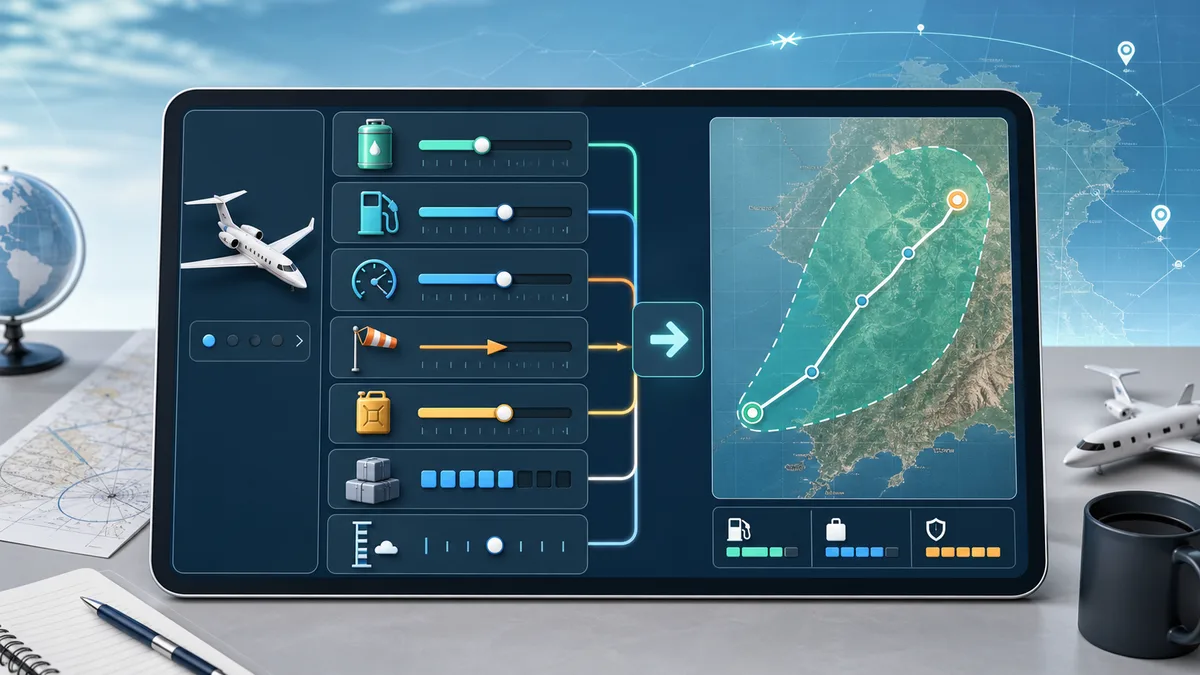
Flight Fuel Range Simulator turns aircraft, fuel, wind, payload, reserve fuel, and altitude inputs into a practical range map and sensitivity view.

Flight Fuel Range Simulator input workflow

Set aircraft type, fuel capacity, cruise burn, cruise speed, headwind or tailwind, reserve fuel, payload, and altitude so Flight Fuel Range Simulator can calculate the route picture.

Flight Fuel Range Simulator overview showing aircraft, fuel capacity, cruise burn, wind, reserve fuel, payload, altitude, and route range controls

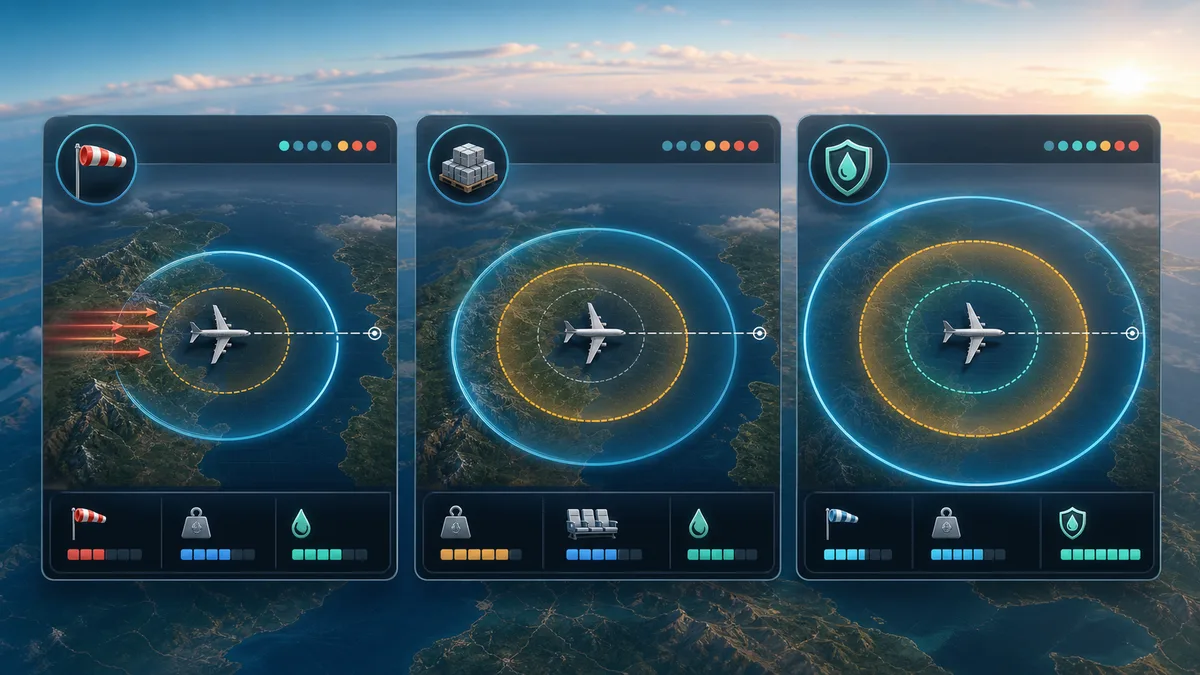
Flight Fuel Range Simulator sensitivity view

Flight Fuel Range Simulator compares different wind speeds, payloads, and reserve fuel percentages so you can see why the usable range changes.

Flight Fuel Range Simulator sensitivity view showing range changes for wind, payload, reserve fuel, fuel remaining, and return risk

Flight Fuel Range Simulator quick guide

Use this Flight Fuel Range Simulator guide to change one factor at a time and understand the range result.

  1. Flight Fuel Range Simulator choose a profile

    Pick the aircraft type closest to your scenario, then check fuel capacity, cruise burn, and cruise speed before comparing range.

    • Use matching units for fuel capacity and burn
    • Treat aircraft presets as learning examples only
    Open tool
  2. Flight Fuel Range Simulator tune conditions

    Adjust headwind or tailwind, reserve fuel, payload, and altitude so Flight Fuel Range Simulator can show the usable range shift.

    • Headwind reduces ground range
    • More reserve fuel improves margin but lowers usable range
  3. Flight Fuel Range Simulator compare scenarios

    Read the wind, payload, and reserve tables to see which factor is driving return risk and range loss.

    • Copy a result link only when you want to share the scenario
    • Your page link stays the same while you experiment