Flight Landing Simulator runway, crosswind, and landing score planner

Test approach speed, aircraft weight, runway length, wind, and flaps to compare landing distance and safety margin.

Read the guide

Flight Landing Simulator interactive tool

Start Flight Landing Simulator here. Choose an aircraft profile, enter the landing conditions, and get distance, crosswind, touchdown speed, overrun probability, alerts, and safer setting suggestions.

Controls

Set aircraft, speed, weight, runway, wind, flaps, braking, and surface condition to calculate a landing estimate.

Ready

Animated runway view

Animated runway margin

Crosswind ready
Animated runway visualization showing approach, touchdown, ground roll, runway buffer, and crosswind arrow

The airplane animation responds to speed, weight, wind, flaps, braking, runway length, and surface condition while the bar tracks air distance, ground roll, and remaining buffer.

Landing distance

-- ft

Touchdown speed

-- kt

Crosswind risk

--

Overrun probability

--%

Landing score

--/100

Safety alerts

Safer suggestions

Air distance Ground roll Runway buffer

Flight Landing Simulator is an educational estimate. Always use the aircraft AFM/POH, official performance tables, weather reports, runway data, instructor guidance, and real operating procedures for actual flight decisions.

Flight Landing Simulator overview for runway planning

Flight Landing Simulator turns approach speed, weight, wind, flaps, braking, and surface condition into a practical runway margin view.

Flight Landing Simulator input workflow

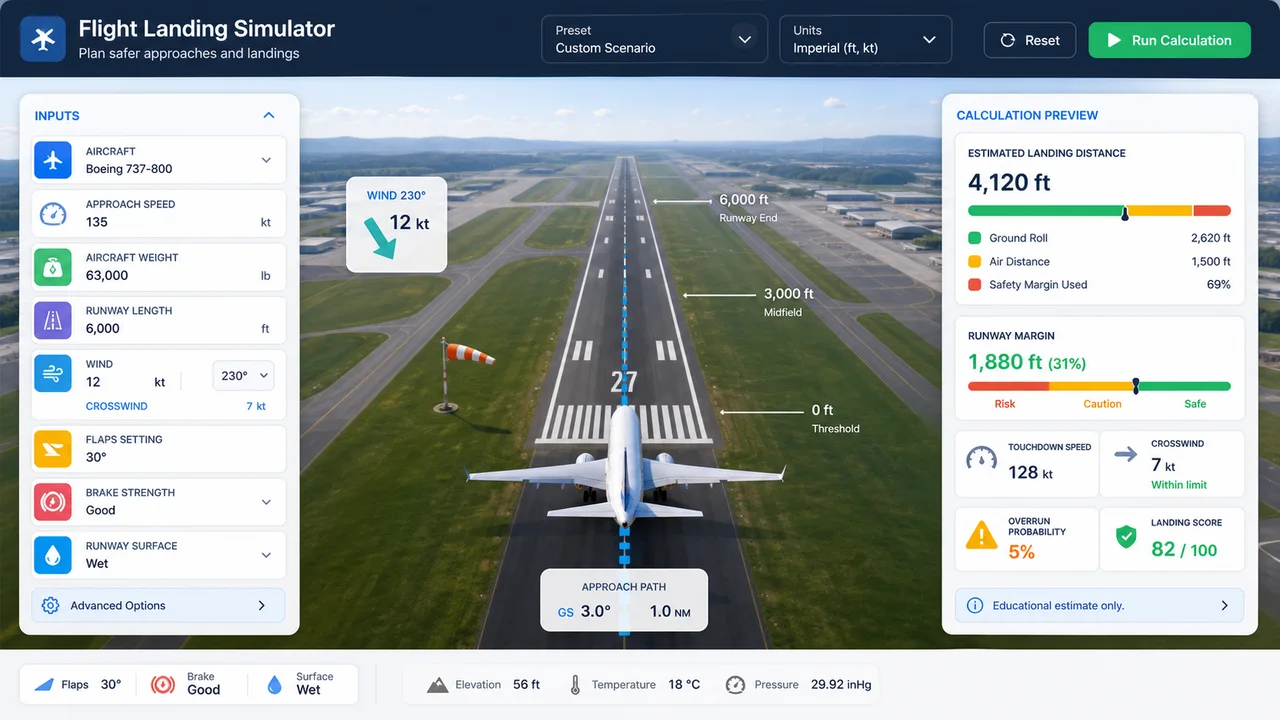
Choose the aircraft type, enter speed, weight, runway length, wind, crosswind angle, flap setting, braking, and runway surface, then let Flight Landing Simulator calculate the landing picture.

Flight Landing Simulator overview with aircraft, approach speed, runway length, crosswind, flaps, braking, and runway surface controls

Flight Landing Simulator risk and recommendation view

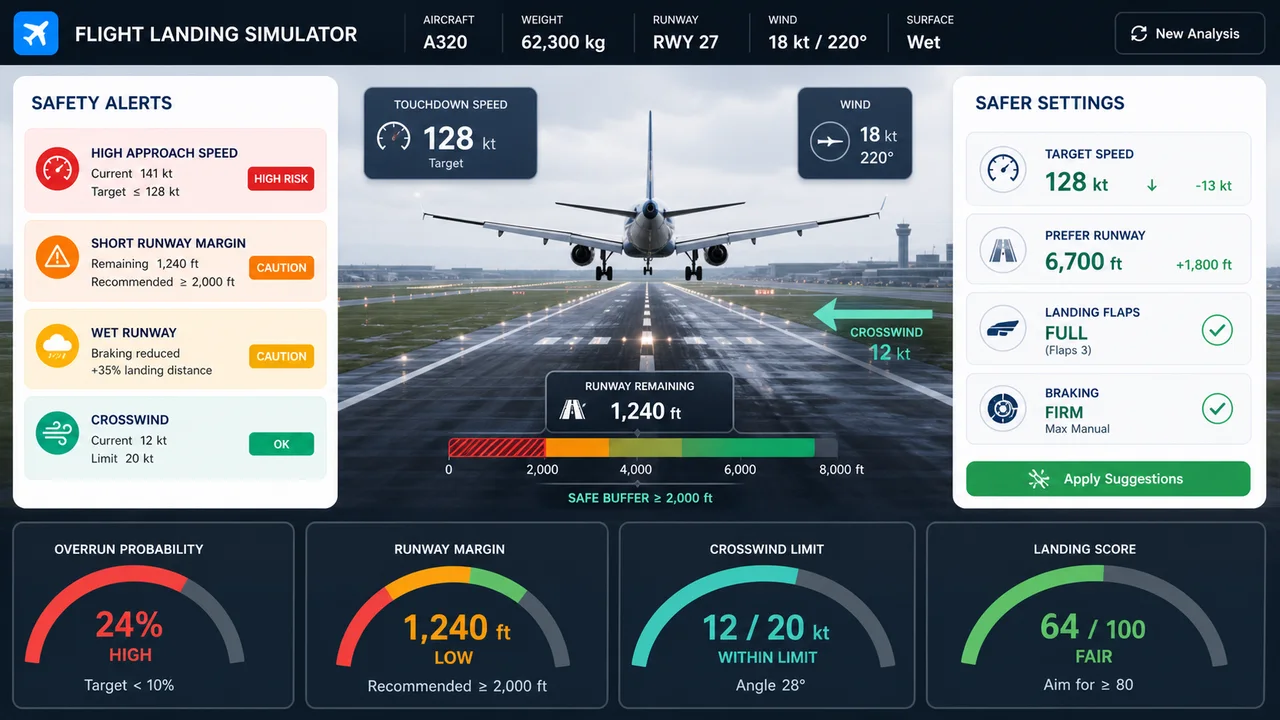
Flight Landing Simulator flags high approach speed, short runway margin, dangerous crosswind, and wet runway penalties, then suggests safer speed, runway, flap, and braking choices.

Flight Landing Simulator risk view showing landing distance, crosswind risk, overrun probability, and safer setting suggestions

Flight Landing Simulator quick guide

Use this Flight Landing Simulator guide to compare conditions one at a time and understand the safety margin.

  1. Flight Landing Simulator choose an aircraft

    Start with a light airplane, turboprop, regional jet, or narrow-body jet so Flight Landing Simulator can pick a baseline speed, distance, and crosswind limit.

    • Use the aircraft profile closest to your scenario
    • Change weight before fine-tuning speed
    Open tool
  2. Flight Landing Simulator tune runway conditions

    Adjust runway length, wind speed, crosswind angle, flap setting, braking, and wetness so Flight Landing Simulator can show the runway buffer.

    • Crosswind angle changes lateral risk
    • Wet and contaminated surfaces mostly affect ground roll
  3. Flight Landing Simulator compare safer settings

    Use the Flight Landing Simulator alerts and suggestions to test lower speed, better flap selection, firmer braking, or a more favorable runway alignment.

    • Copy a result link only when you want to share the scenario
    • Your page link stays the same while you experiment