


Ohm’s Law Lab Simulator build circuits and see V = I × R

Adjust voltage and resistors, wire them in series or parallel, and watch current, power, and the V-I graph update as you go.

Read the guide

Ohm’s Law Lab Simulator interactive circuit bench

Start Ohm’s Law Lab Simulator here: set voltage and resistance, choose the connection mode, connect meters or a bulb, record readings, and watch the V-I graph prove the relationship between voltage and current.

Controls

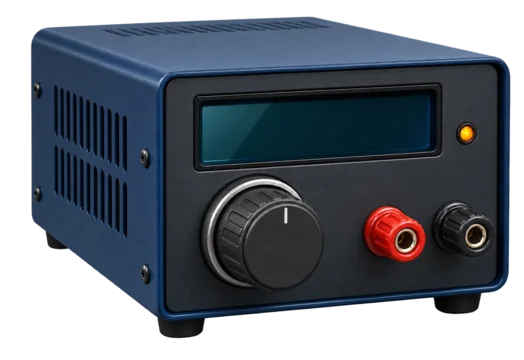
Change the power supply, resistor values, connection mode, meters, and bulb before recording each reading.

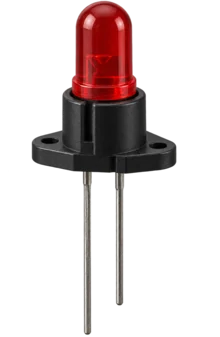
LED with resistor setup

Ohm’s law calculator

Check any two known values, choose units, and the simulator solves voltage, current, resistance, and power.

V

Virtual circuit lab

Single resistor

Circuit closed

Current

0.200 A

Equivalent resistance

30.0 Ω

Power

1.20 W

Live result

Core formulas

V = I × R I = V / R R = V / I P = V × I P = I² × R P = V² / R

Formula solver

Calculated V, I, R, and P

Voltage V

5.00 V

Current I

22.7 mA

0.0227 A

Resistance R

220 Ω

Power P

114 mW

0.114 W

Calculation process

    Result explanation

    Safety reminder

    LED resistor

    LED with resistor result

    Calculated resistor

    150 Ω

    Safer common choice

    220 Ω

    Estimated current

    13.6 mA

    Resistor power

    40.9 mW

    V-I graph

    V-I graph

    0 records

    Data table

    V I R

    Experiment conclusion

    Ohm’s Law Lab Simulator uses ideal circuit models for learning. Physical circuits require safe voltage limits, correct meter placement, and teacher or lab guidance.

    Ohm’s Law Lab Simulator circuit workflow

    Ohm’s Law Lab Simulator connects circuit controls, meter readings, lamp brightness, equations, and graphing so learners see why current changes when voltage or resistance changes.

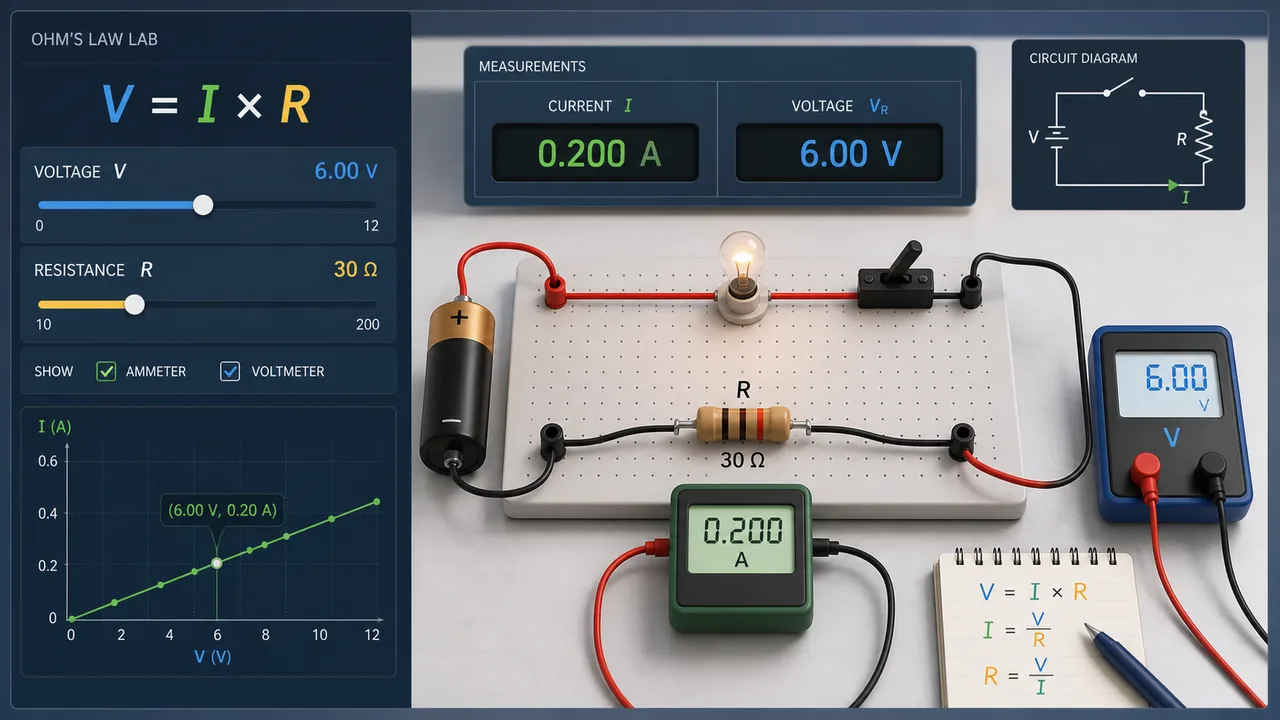
    Ohm’s Law Lab Simulator live circuit controls

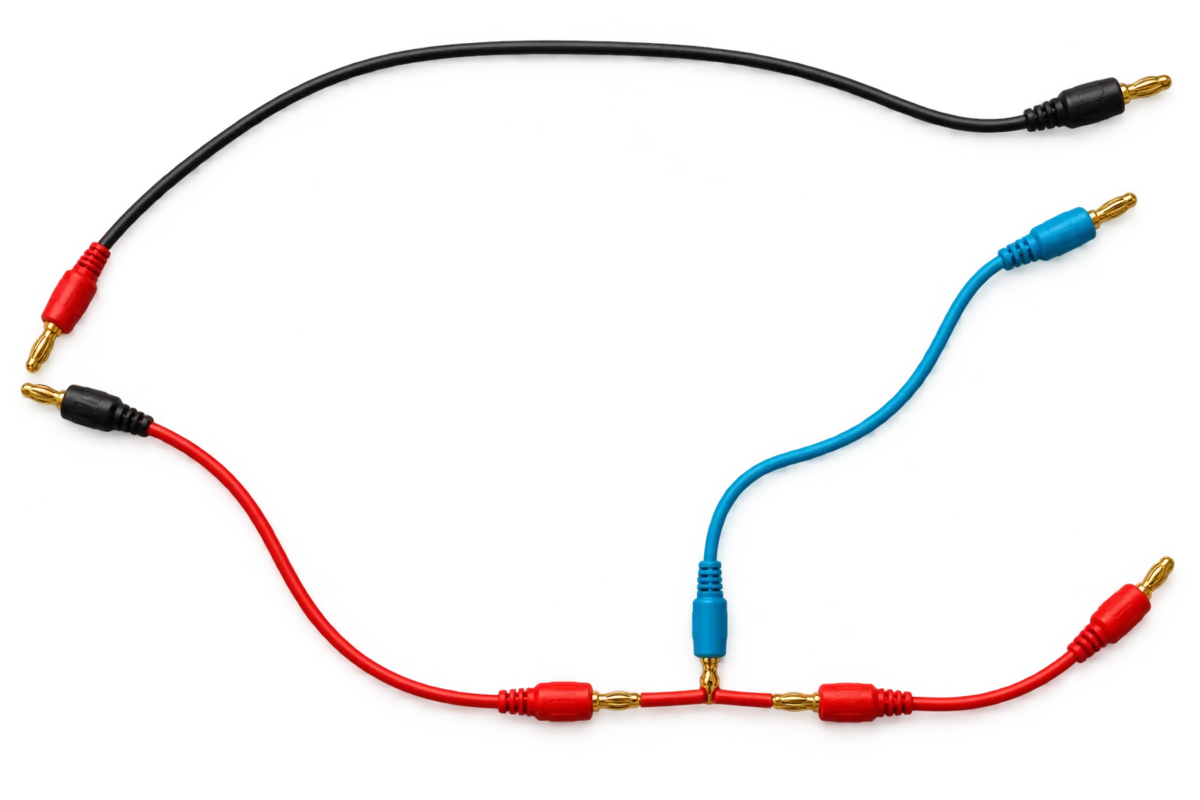
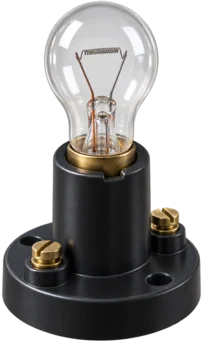
    Set supply voltage, R1, R2, single, series, parallel, or unknown resistance mode, then connect or remove the ammeter, voltmeter, and bulb.

    Ohm’s Law Lab Simulator interface with voltage slider, resistor controls, ammeter, voltmeter, bulb, and circuit board

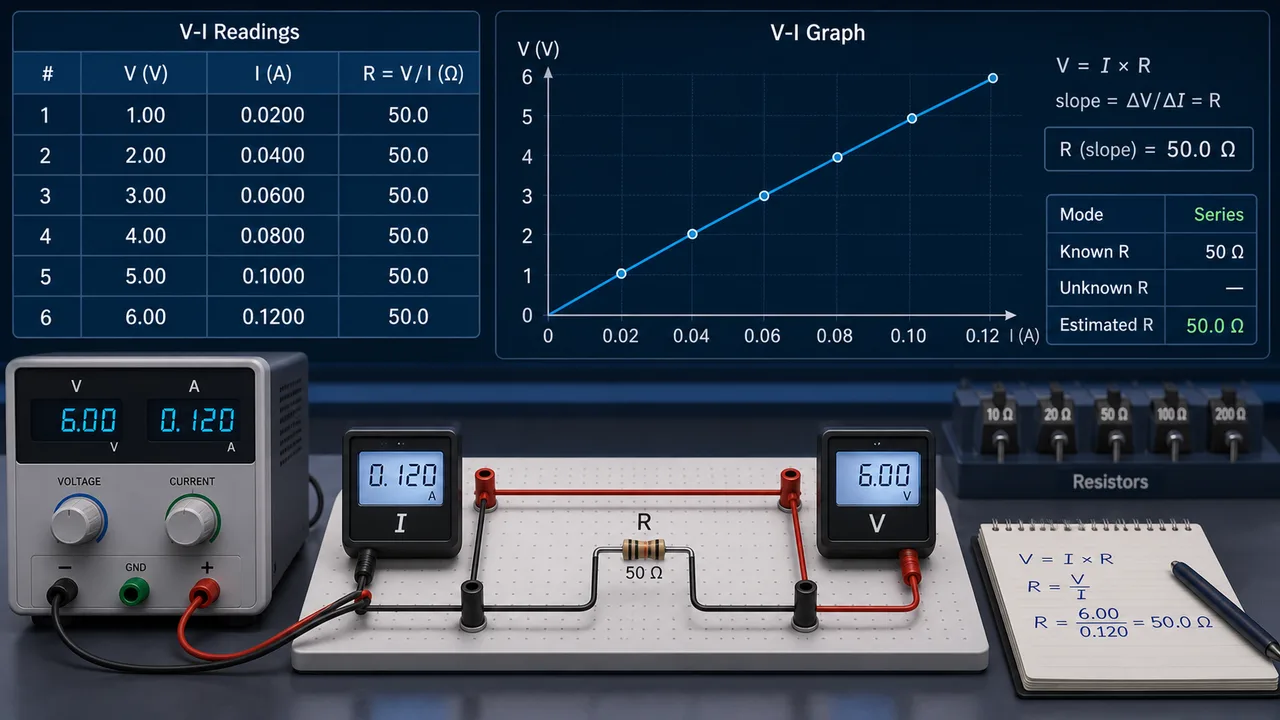
    Ohm’s Law Lab Simulator V-I data graph

    Record readings or generate a voltage sweep, then use Ohm’s Law Lab Simulator to compare the data table, straight-line V-I graph, and resistance estimate.

    Ohm’s Law Lab Simulator V-I graph with voltage current readings, circuit meters, and resistance calculation

    Ohm’s Law Lab Simulator quick guide

    Use this Ohm’s Law Lab Simulator guide to connect voltage, current, resistance, series circuits, parallel circuits, and unknown resistance measurement.

    1. Set up Ohm’s Law Lab Simulator

      Choose a voltage, resistor values, and connection mode. Keep meters connected when you want to read current and voltage directly.

      • Start with 6 V and 30 Ω for easy mental math
      • Add the bulb to see brightness follow current
      Open simulator
    2. Record Ohm’s Law Lab Simulator readings

      Change voltage or resistance and click record data. The table stores voltage, current, and calculated resistance for comparison.

      • Keep resistance fixed to make a clean straight V-I line
      • Compare series and parallel modes at the same supply voltage
    3. Interpret Ohm’s Law Lab Simulator graph

      Use the V-I graph and unknown resistance mode to see that R = V ÷ I and that resistance is the slope when voltage is plotted against current.

      For lab reports, describe which variable changed and which variable stayed constant.