
Solar Eclipse Simulator check if your city can see the eclipse

Pick an eclipse and enter a city or coordinates to see local visibility and start, peak, and end times, with eye-safety tips close by.

Read the guide

Solar Eclipse Simulator interactive visibility tool

Start Solar Eclipse Simulator here: choose the August 2026 total eclipse, February 2027 annular eclipse, or August 2027 total eclipse, then enter a city or coordinates.

Controls

Choose an eclipse event, then select a city or enter coordinates to estimate local visibility, timing, obscuration, and safety status.

Eclipse event

City or coordinates

Pick a preset city or switch to custom coordinates. Decimal latitude and longitude are accepted.

Safety reminder

For every partial or annular phase, use eclipse glasses or a safe handheld solar viewer that complies with ISO 12312-2. Regular sunglasses are not safe for direct Sun viewing.

Safety checklist

  • Use ISO 12312-2 eclipse glasses or a certified handheld solar viewer for all partial phases.
  • Put a proper solar filter on the front of any camera, telescope, binoculars, or lens before pointing it at the Sun.
  • Supervise children before, during, and after the eclipse so viewers stay on until it is safe.

Local result

Calculating

Shown in your current time zone:

Total eclipse

Estimated start time

-

Estimated maximum eclipse

-

Estimated end time

-

Maximum obscuration

0%

Distance to central path

0 km

Visibility level

-

Event facts

Event date
Central path
Model confidence

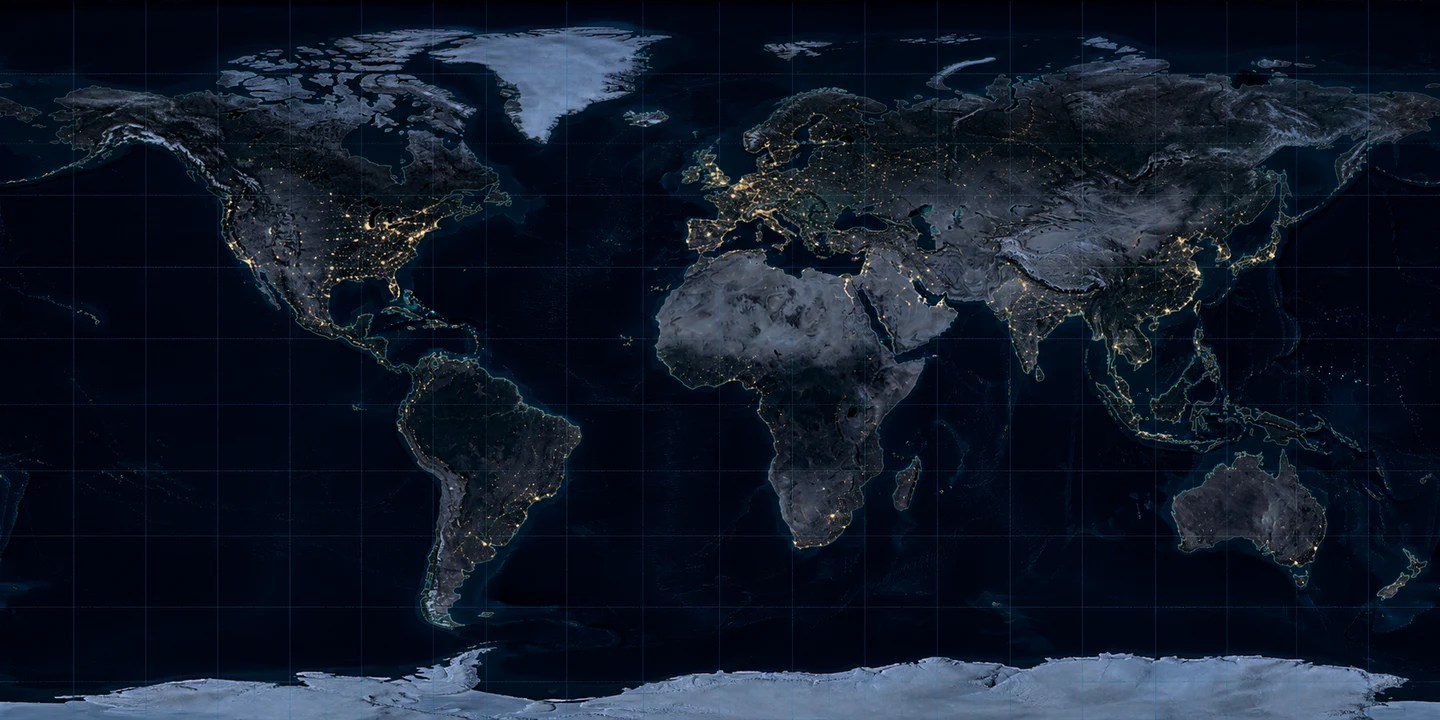
Path band map

The bright line is the simplified central path; the wide glow is the broad partial-visibility band used by this rough model.

Approximate

Plan trip result

Weather not included

Clouds, haze, smoke, horizon blockage, and last-minute weather are not predicted. Check a real forecast close to the observing date.

Playback

Timeline time
Current coverage
Eye safety

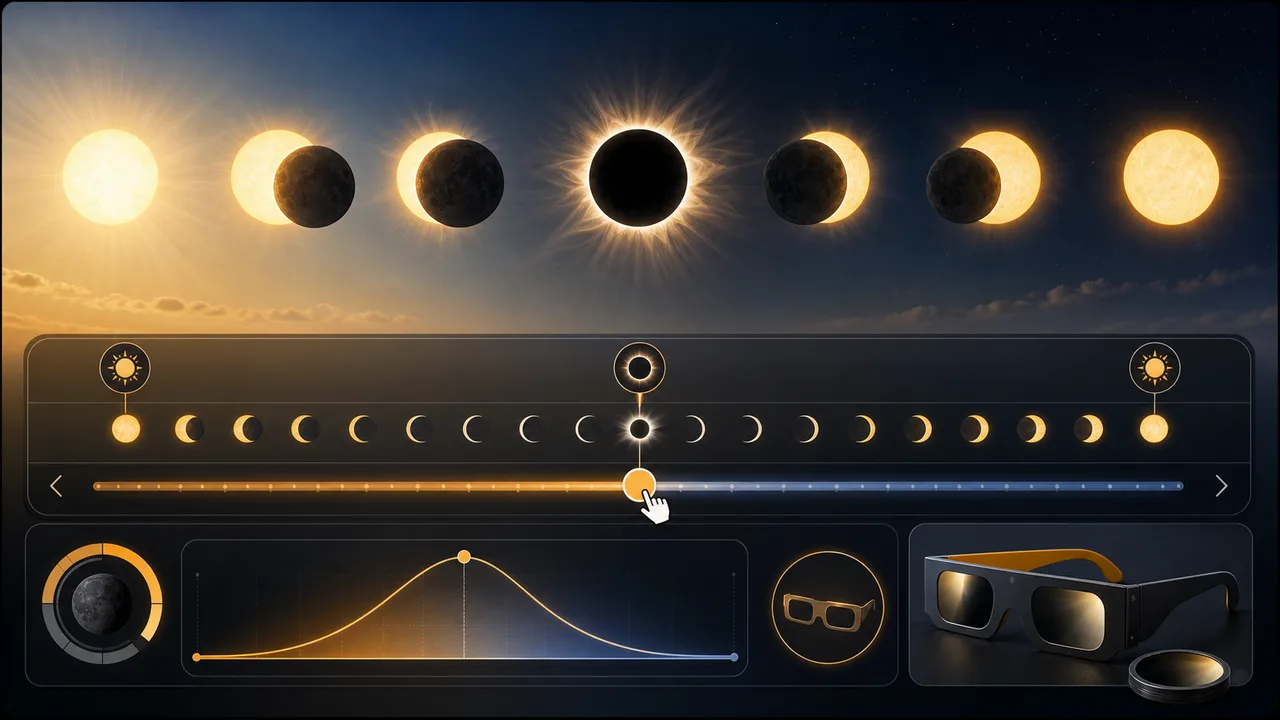
The timeline visualizes the Moon covering the Sun from first contact to last contact using the estimated maximum obscuration.

Assumptions

Your coordinates are compared with simplified central-path samples and a broad partial-visibility radius. Local clouds, horizon altitude, exact contact times, lunar-limb corrections, and official site circumstances are outside this browser model.

Official data sources

Use these links for authoritative maps, local circumstances, contact times, safety guidance, and trip planning checks. This page is only a first-pass simulator.

Solar Eclipse Simulator is an educational rough model based on simplified central-path samples and a broad partial-visibility radius. It is not an official ephemeris, weather forecast, observatory notice, or travel guarantee; confirm exact local circumstances with NASA, Timeanddate, Xavier Jubier, or another authoritative source before observing.

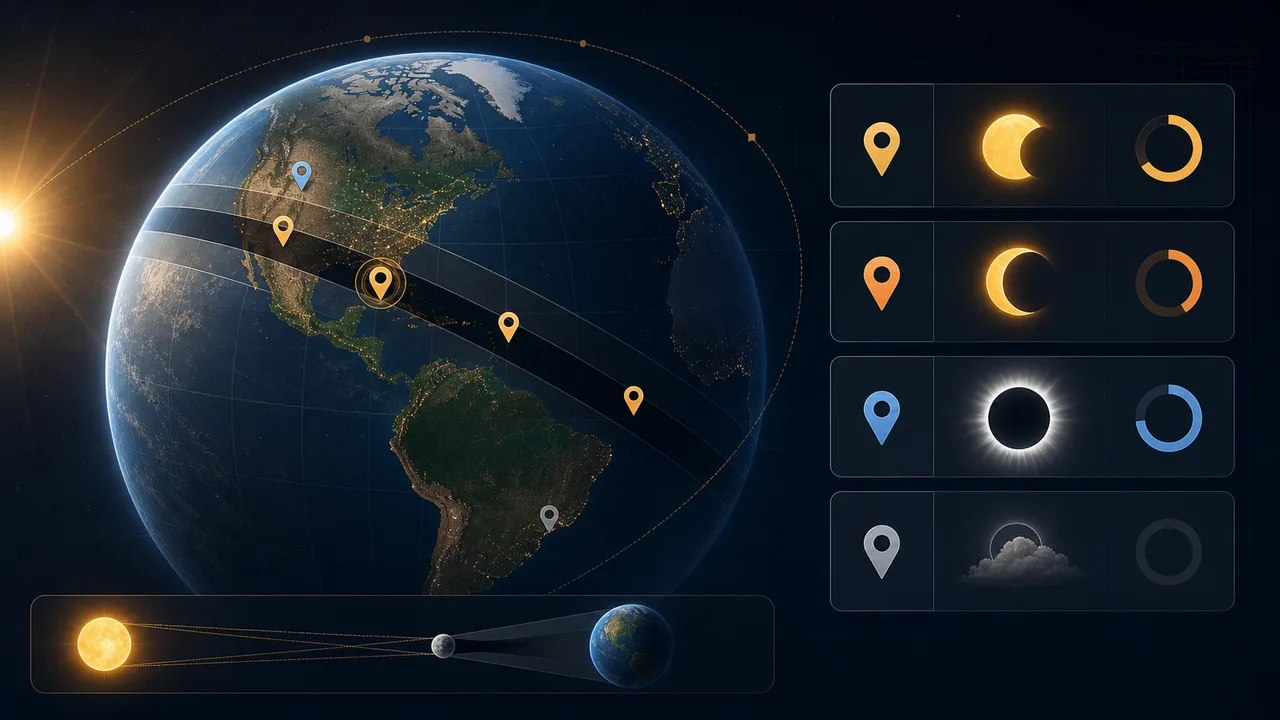
Solar Eclipse Simulator visibility planning flow

Solar Eclipse Simulator turns eclipse-event selection plus city or coordinate input into a quick visibility, obscuration, and timing estimate.

Solar Eclipse Simulator local visibility check

Solar Eclipse Simulator estimates whether your location falls inside the modeled visibility zone and whether the result is total, annular, major partial, light partial, or not visible.

Solar Eclipse Simulator visibility map with eclipse path, city pins, and local visibility result cards

Solar Eclipse Simulator timeline and safety

Solar Eclipse Simulator gives start, maximum, and end timing, then lets you scrub the eclipse timeline while keeping safe-viewing reminders visible.

Solar Eclipse Simulator timeline showing eclipse phases, maximum obscuration, and safe viewing glasses

Solar Eclipse Simulator quick guide

Use this Solar Eclipse Simulator guide to make an early visibility plan before checking official eclipse circumstances.

  1. Choose a Solar Eclipse Simulator event

    Pick one of the included solar eclipse events. Solar Eclipse Simulator loads a simplified central path and event time for that eclipse.

    • Use the event closest to your travel plan
    • Remember that dates and times are displayed in your device time zone
    Open Solar Eclipse Simulator
  2. Enter Solar Eclipse Simulator city or coordinates

    Select a city preset or enter decimal latitude and longitude. Solar Eclipse Simulator compares that point with the approximate eclipse path.

    • Use decimal coordinates for rural viewing sites
    • Try several nearby cities if you are planning a trip
  3. Read Solar Eclipse Simulator timing and safety

    Review estimated start, maximum, and end times, obscuration, visibility level, and the interactive phase timeline.

    Use official local circumstances before travel or public observing. This Solar Eclipse Simulator is a fast education tool, not a replacement for authoritative eclipse predictions.